
Siri Integration
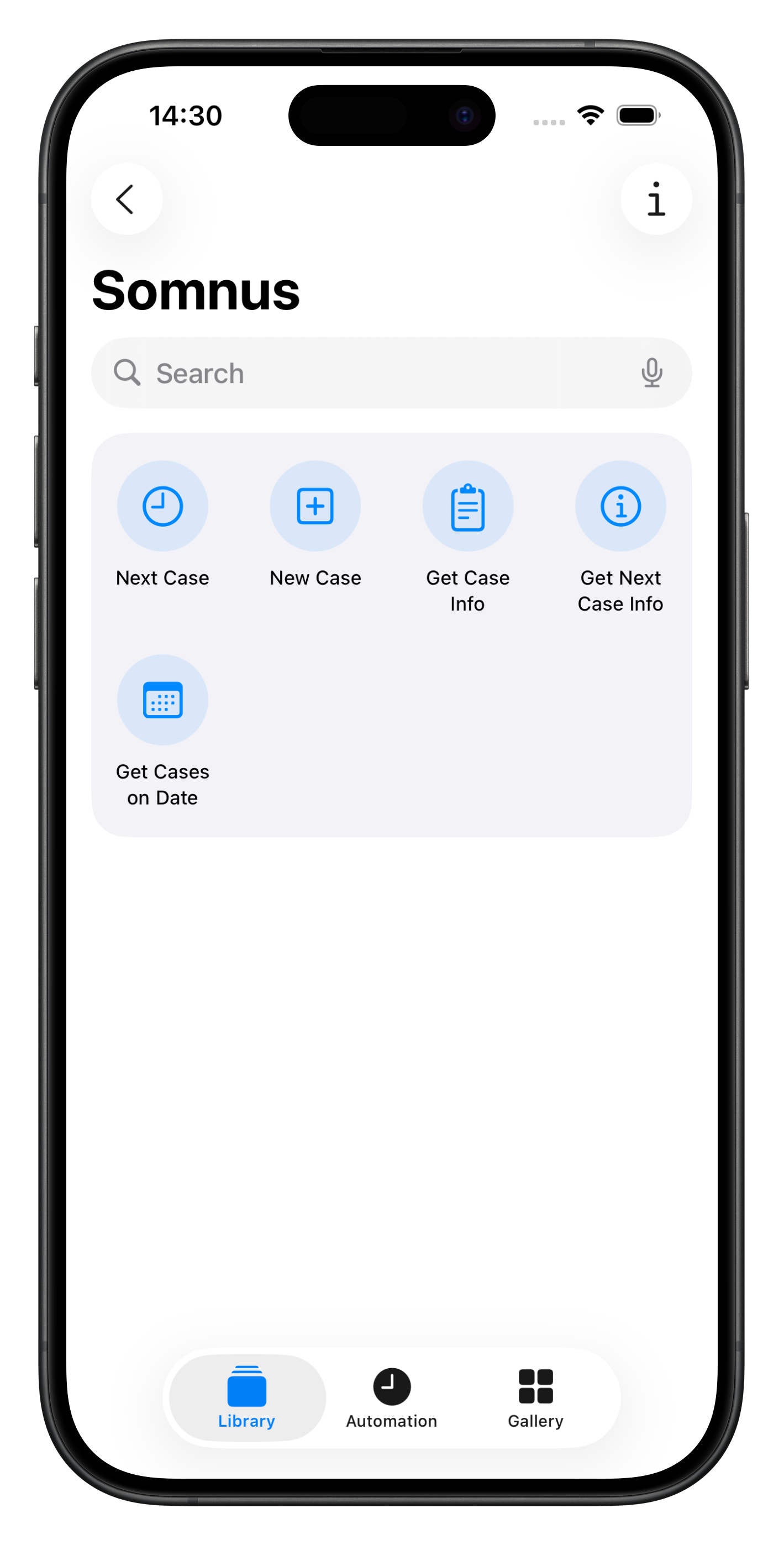
Somnus includes Siri for quick access, and Shortcut Actions which allow you to create sophisticated workflows using your Somnus data leveraging the power of the Shortcuts App on both iOS and macOS.
Both Case and Patient data can be accessed and used for your workflows. See below for an example of this and a sample shortcut to download.
Siri Shortcuts Example
This sample Shortcut File is an example of what you can do with Shortcut Workflows and your Somnus Data. Download the sample file and play around with it.
This Shortcut does the following
Asks the user to Select a Date
Finds All Cases on that date
If there are No Cases it shows a Notification
It then checks to see if Any Case contains the text “Dr Smith” in the Surgeons field
If not, it shows a Notification
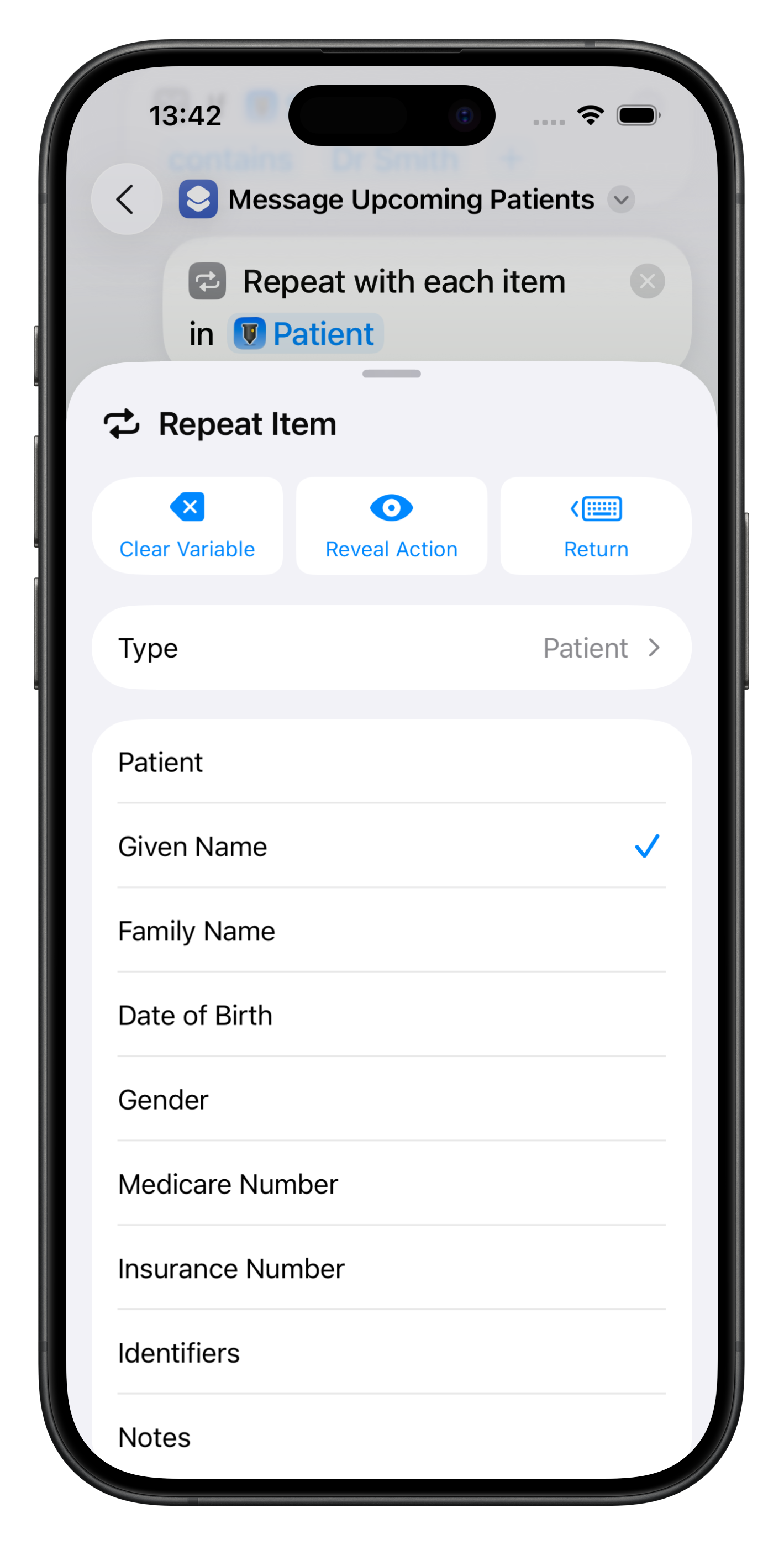
If there are Cases for the Surgeon “Dr Smith” it iterates over each Patient for those Cases.
It then searches the Patient Notes field for a valid mobile number and sends a customised message to each Patient using their Given Name, the Operation and Date of Surgery.
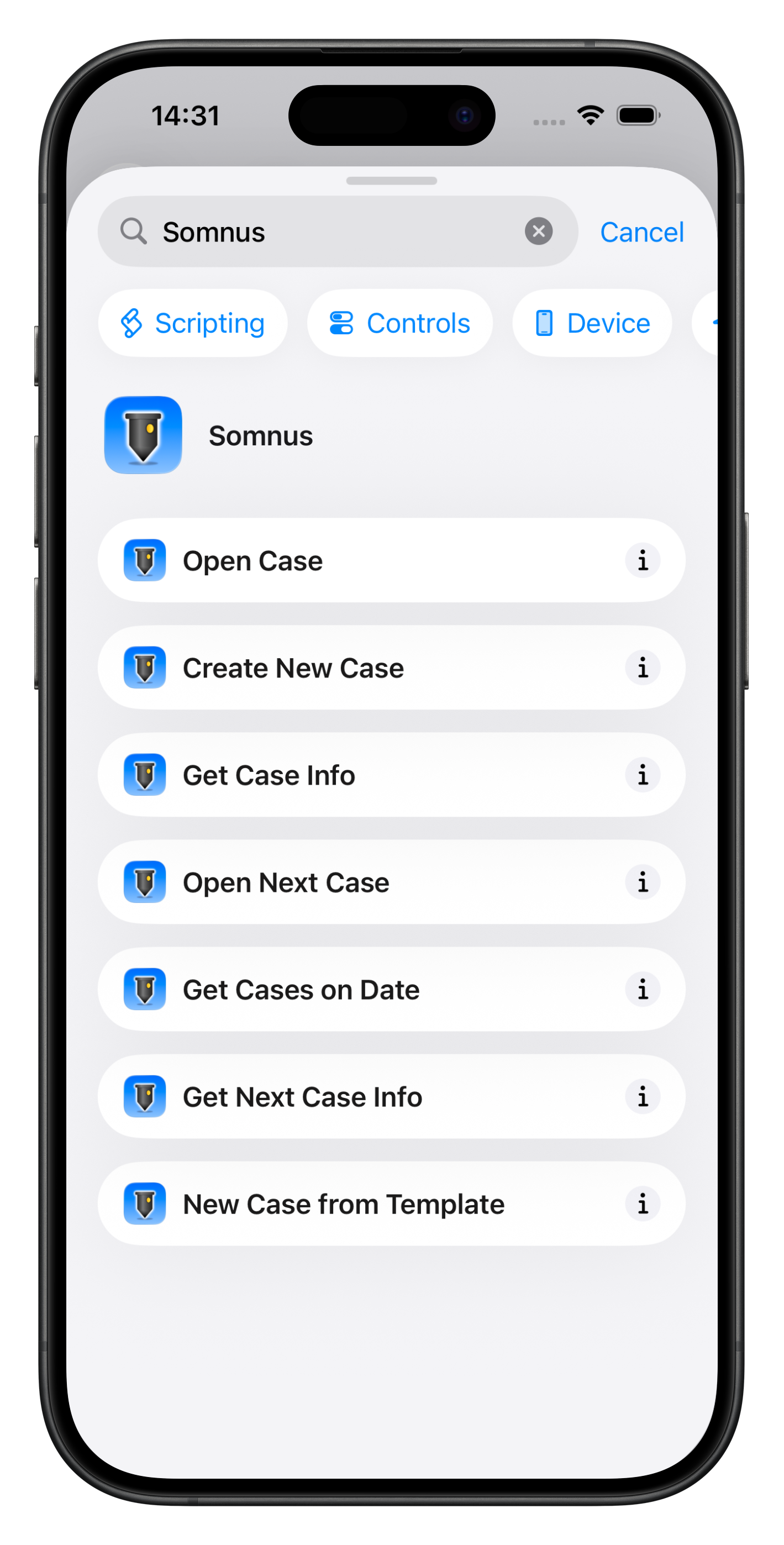
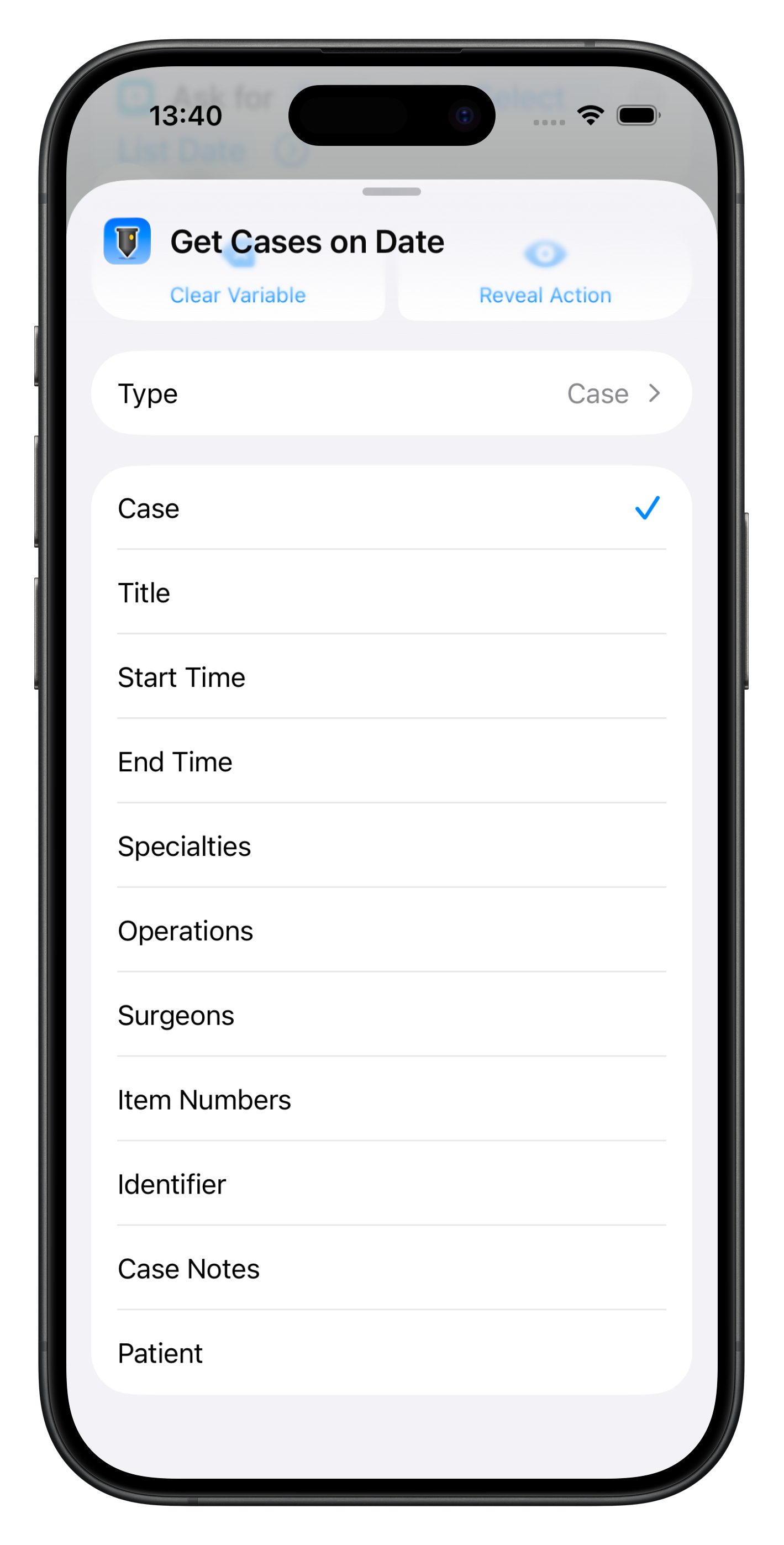
Examples of the fields that are able to be accessed for Cases or Patients can be seen below

Click to Download
