Exporting Case Data
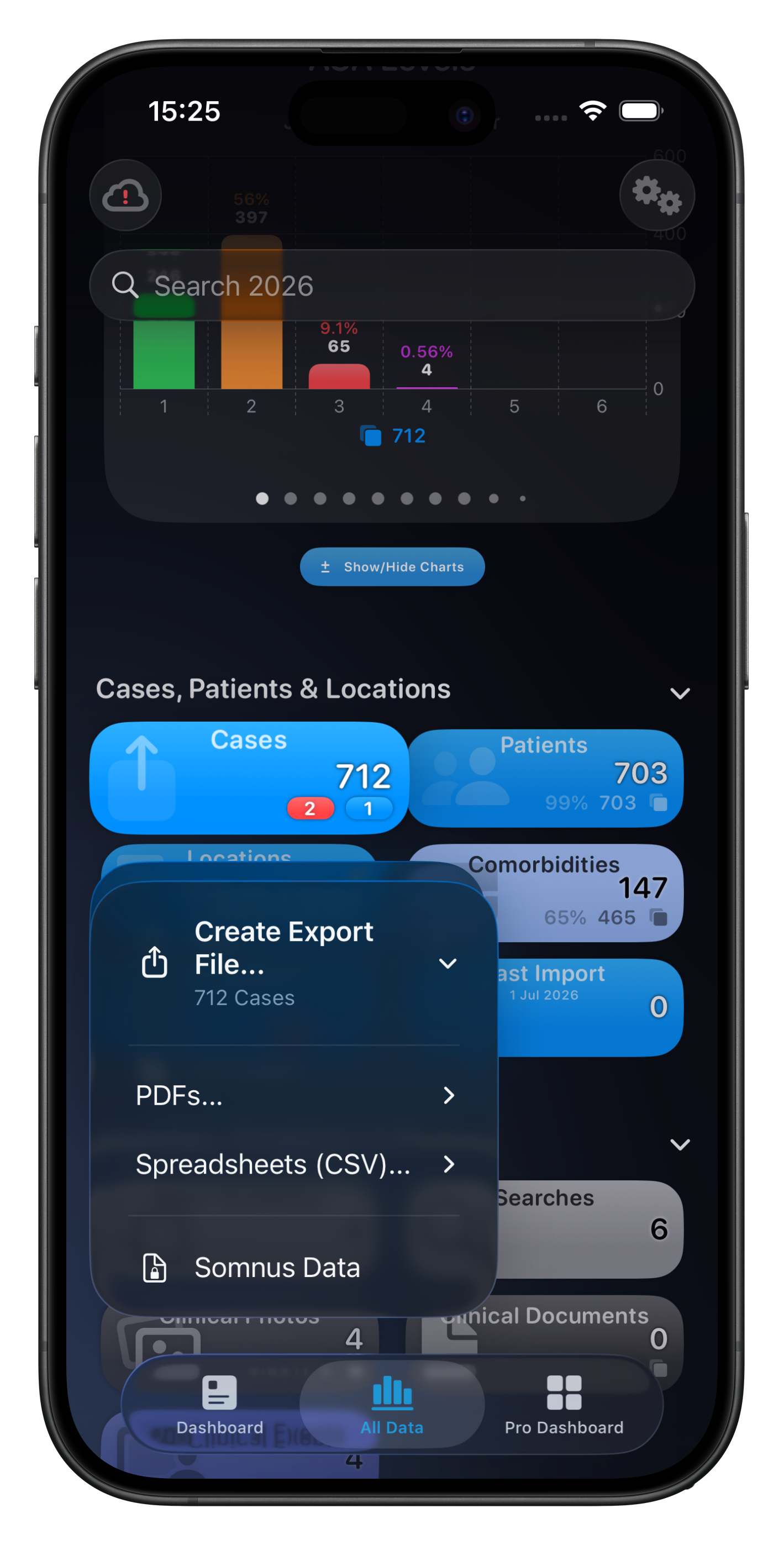
Cases can be exported individually or in batches, either from a list of cases or using the Summary Card menu.
Formats include:
Case or Billing Reports (PDF)
Theatre List Report (PDF)
Summary Report (PDF or CSV)
Spreadsheet (CSV)
MyPortfolio Spreadsheet (CSV)
A Somnus Data file contains all data, including attached photos and you can send this file directly (via AirDrop) to another device (eg. a colleague) with Somnus installed.
Alternatively, simply store it as a backup on your device, computer or cloud storage - it's entirely up to you.
For a full backup, I recommend using the Backup feature.
Exporting Other Data Types
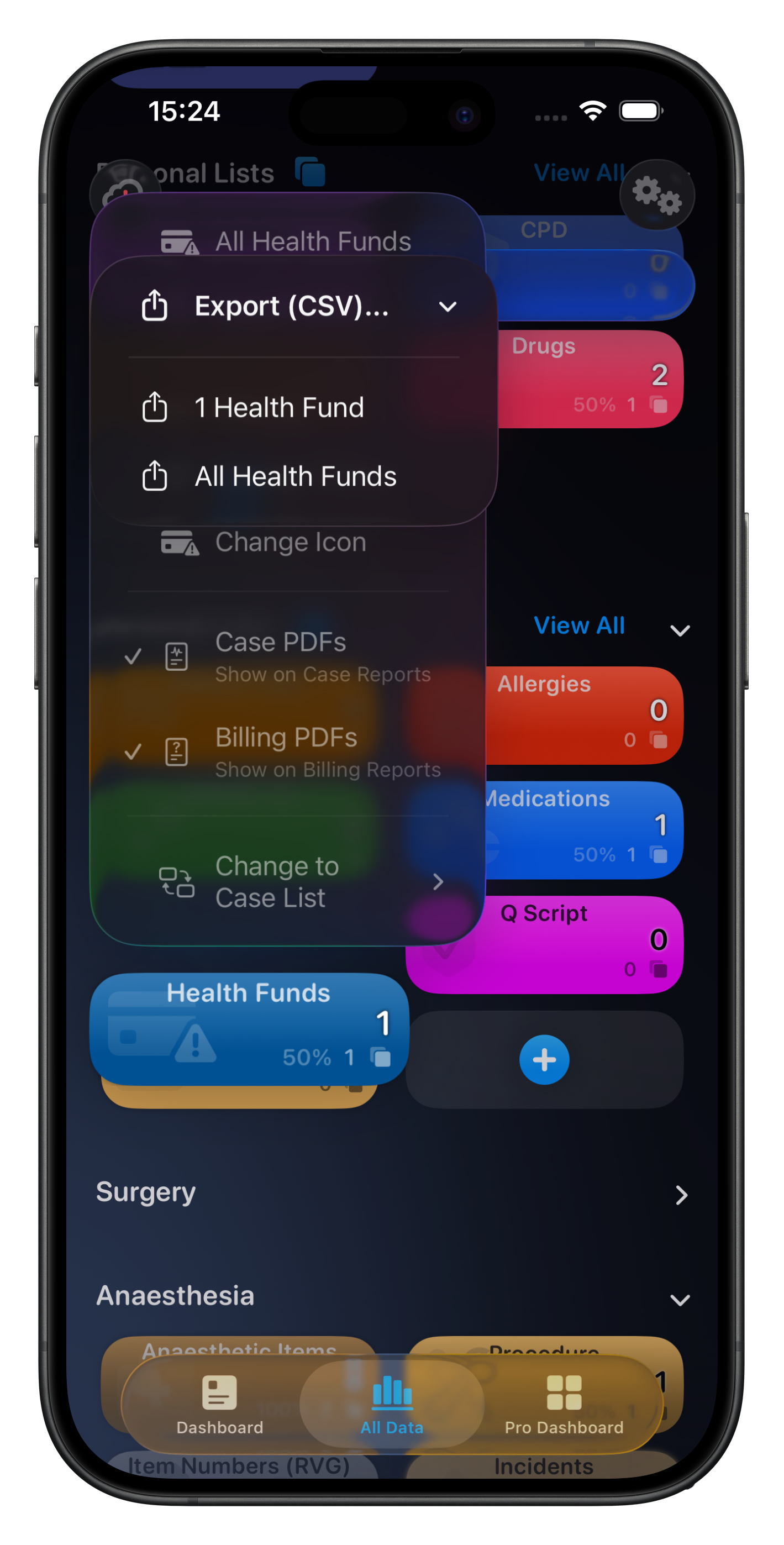
Almost all item categories can be exported as a CSV file using the Summary Card menu for those items (with the exception of Photos, Searches & Templates)
If data on a Summary Card is bound by a date range you can choose to export just those items, or all items.
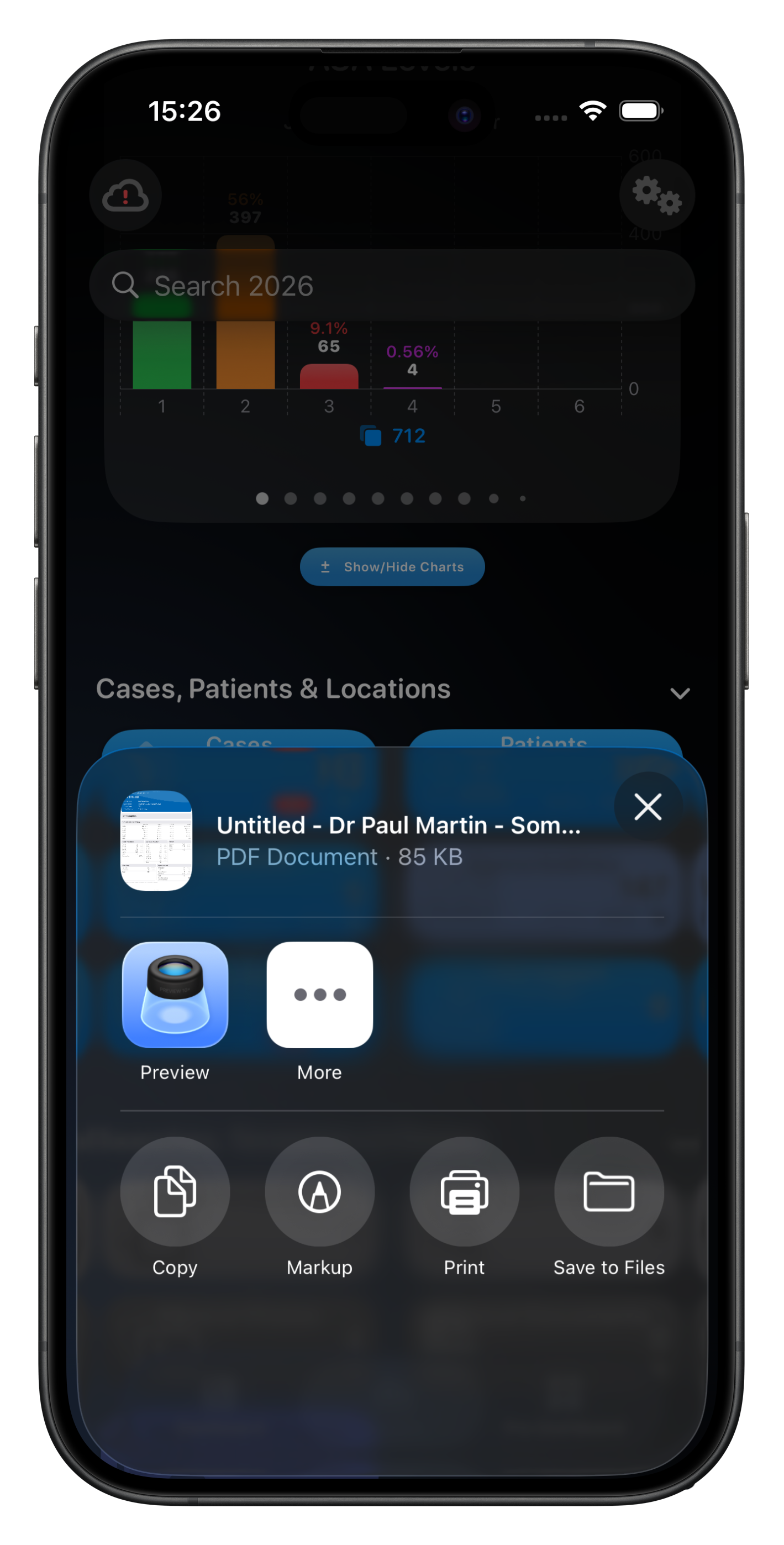
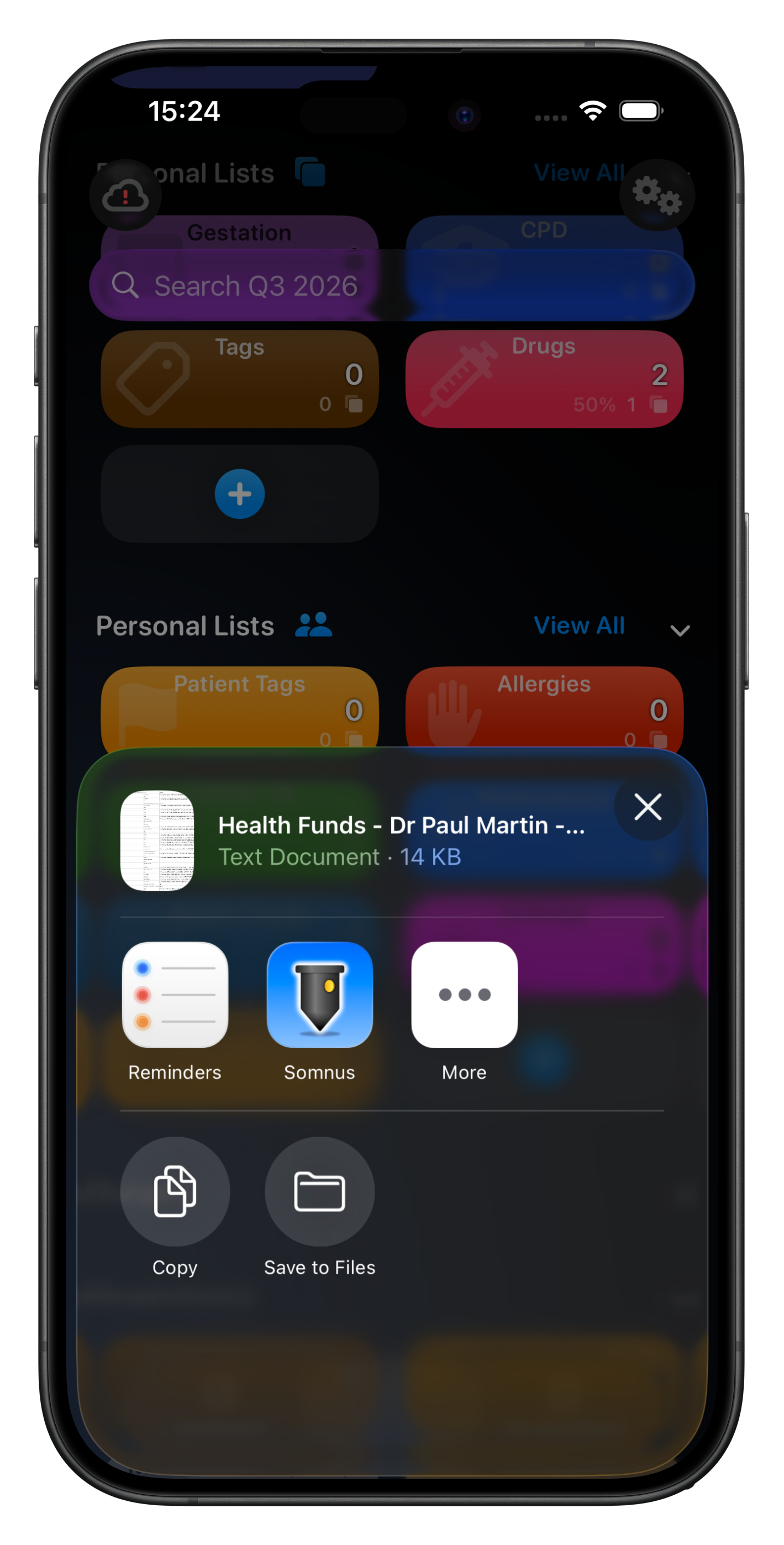
When an export file is ready, a Share Sheet will appear for you to view, print or export the file created.
The structure of the exported CSV file matches the structure required when importing similar items via a CSV file.
🔥 If you export items via CSV (eg. Comorbidities) and you add notes to each item in that exported file, without changing the item names, you can then reimport that list to have all the Comorbidities updated with notes. Any existing notes will not be updated due to formatting limitations (ie. imported notes is plain text, not rich text). See here for more info.
Exporting Charts
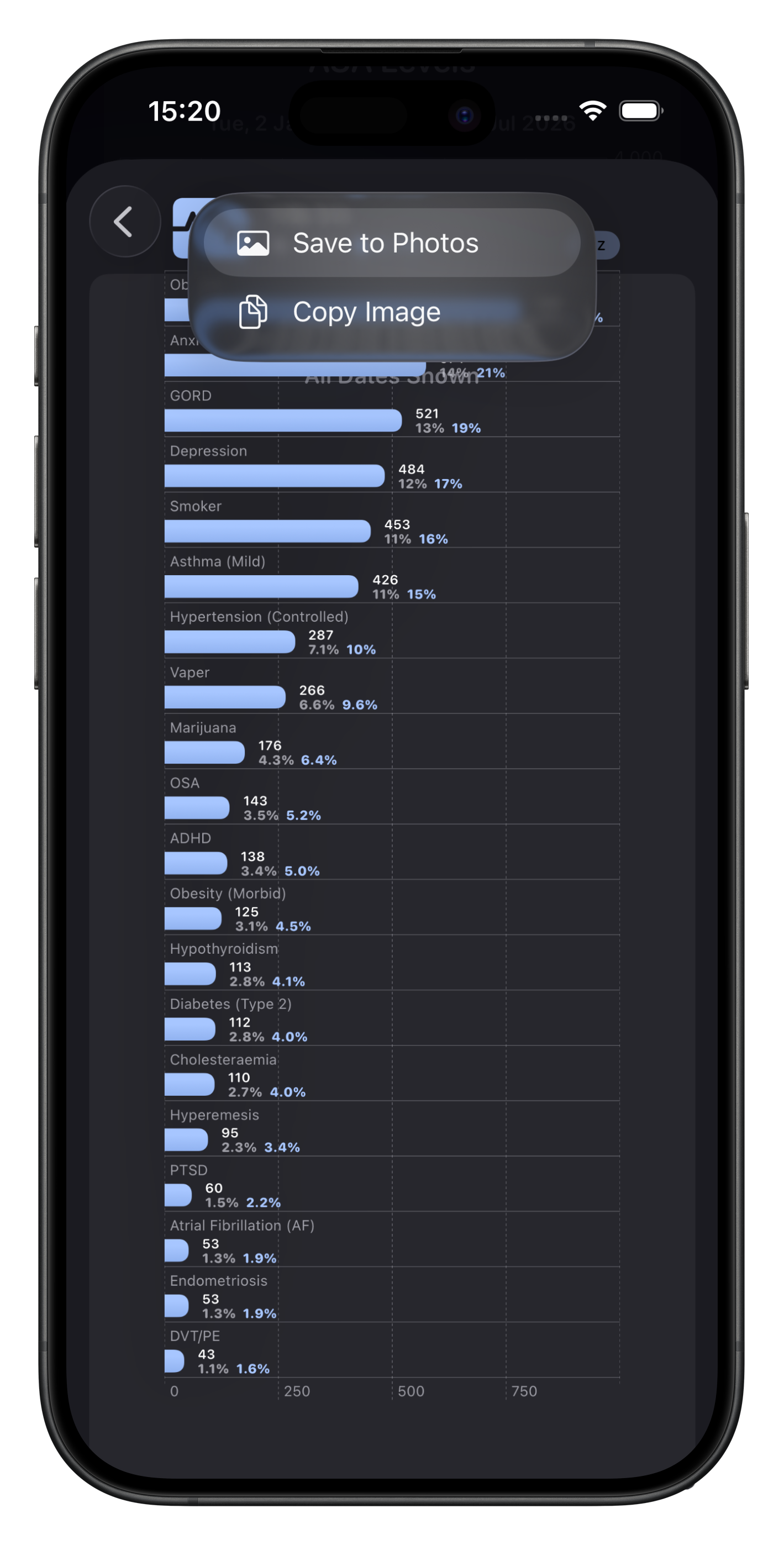
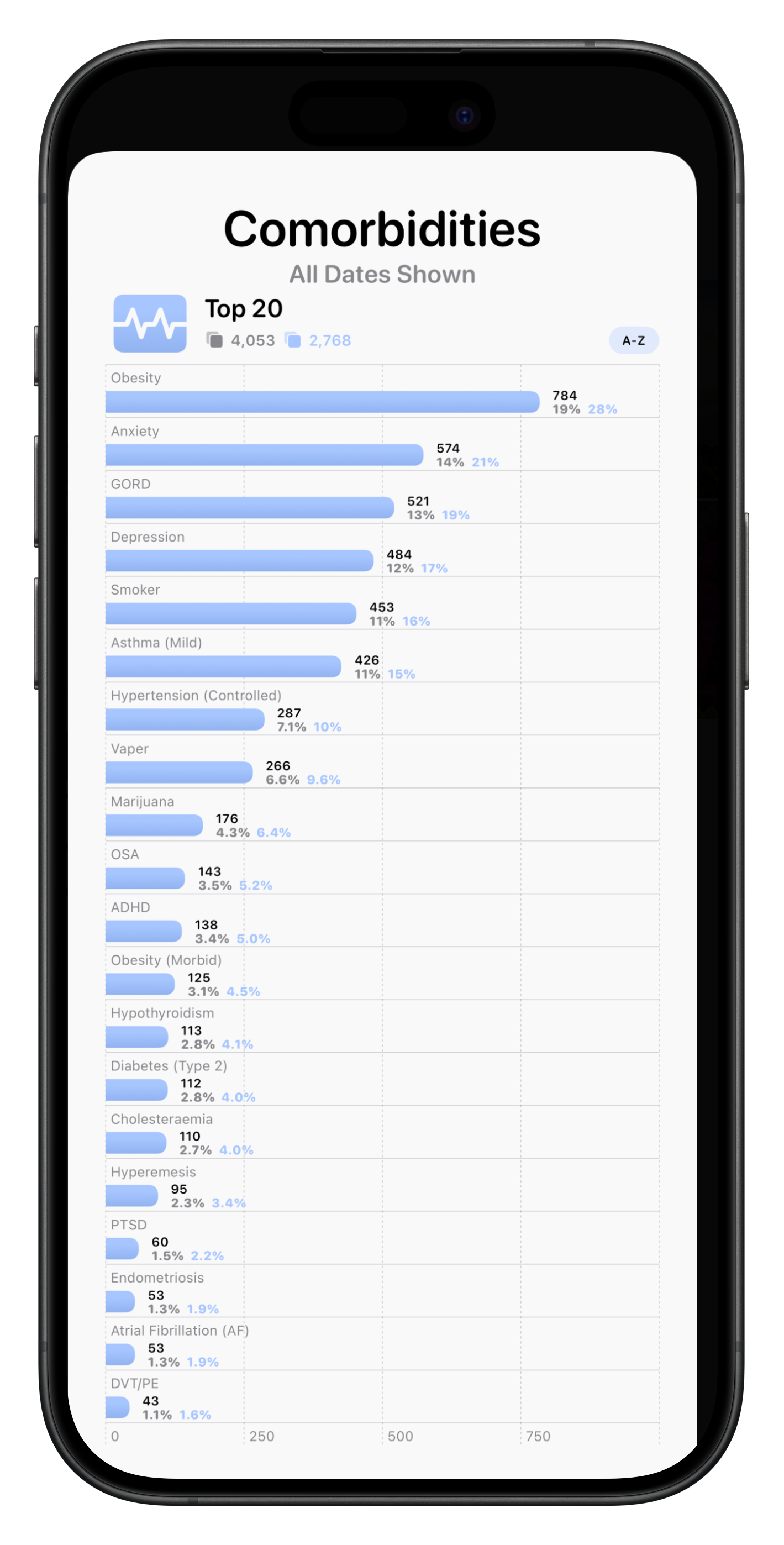
Almost every chart can be exported from Somnus as an image should you wish you use it in your own application for presenting your data quickly.
Due to space & computational limitations, only the Top 20 for category charts are shown. If you’re searching a list and then you export the chart, the title of the chart will reflect the search terms used, as well as only displaying the data found.
Many of these charts also appear in the Summary Report (PDF).