Send to CESoft
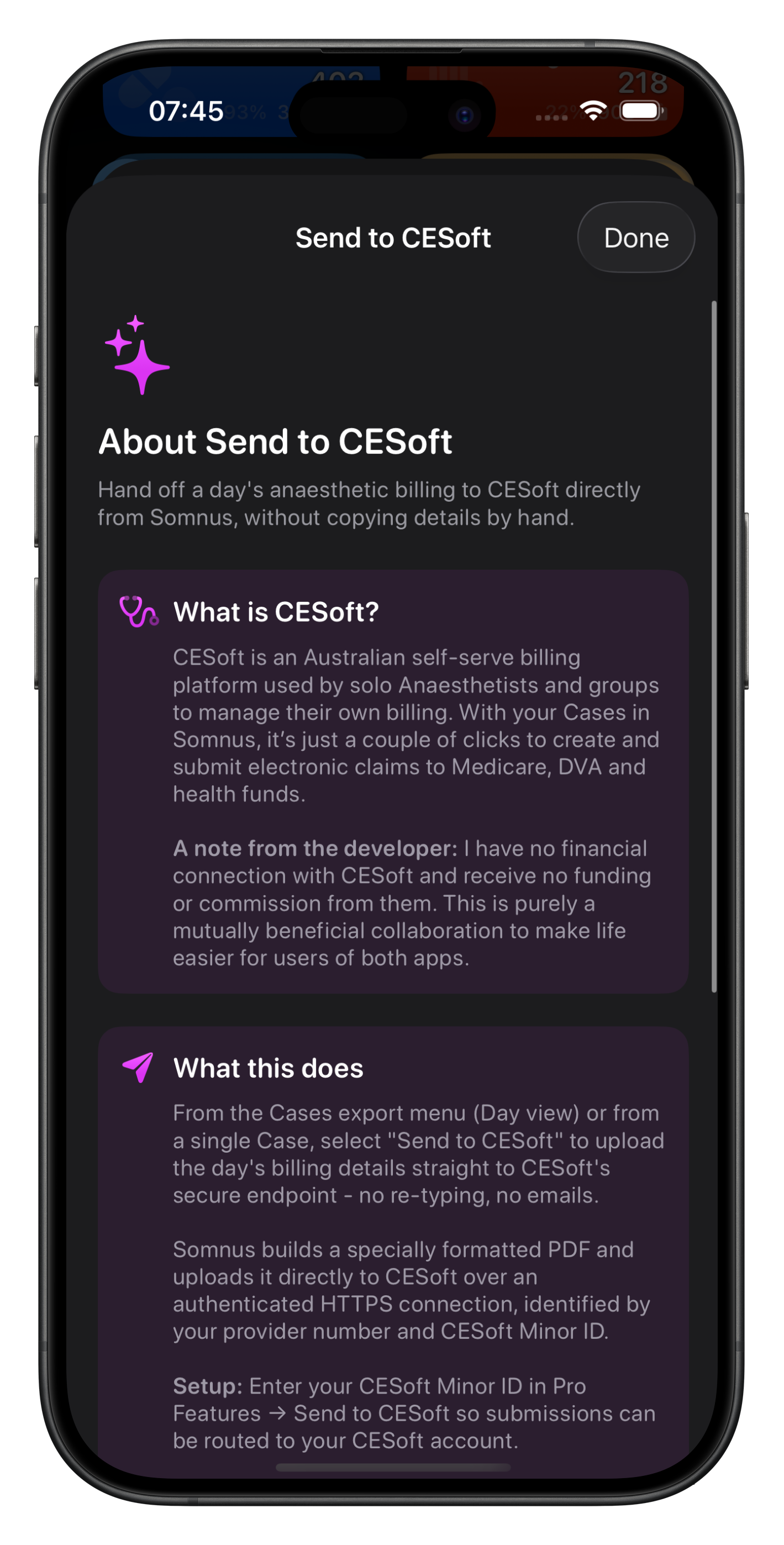
Cutting Edge Software(CESoft) is an Australian self-serve billing platform used by solo Anaesthetists and groups to manage their own billing. With your Cases in Somnus, it’s just a few taps to create and submit electronic claims to Medicare, DVA and health funds via CESoft.
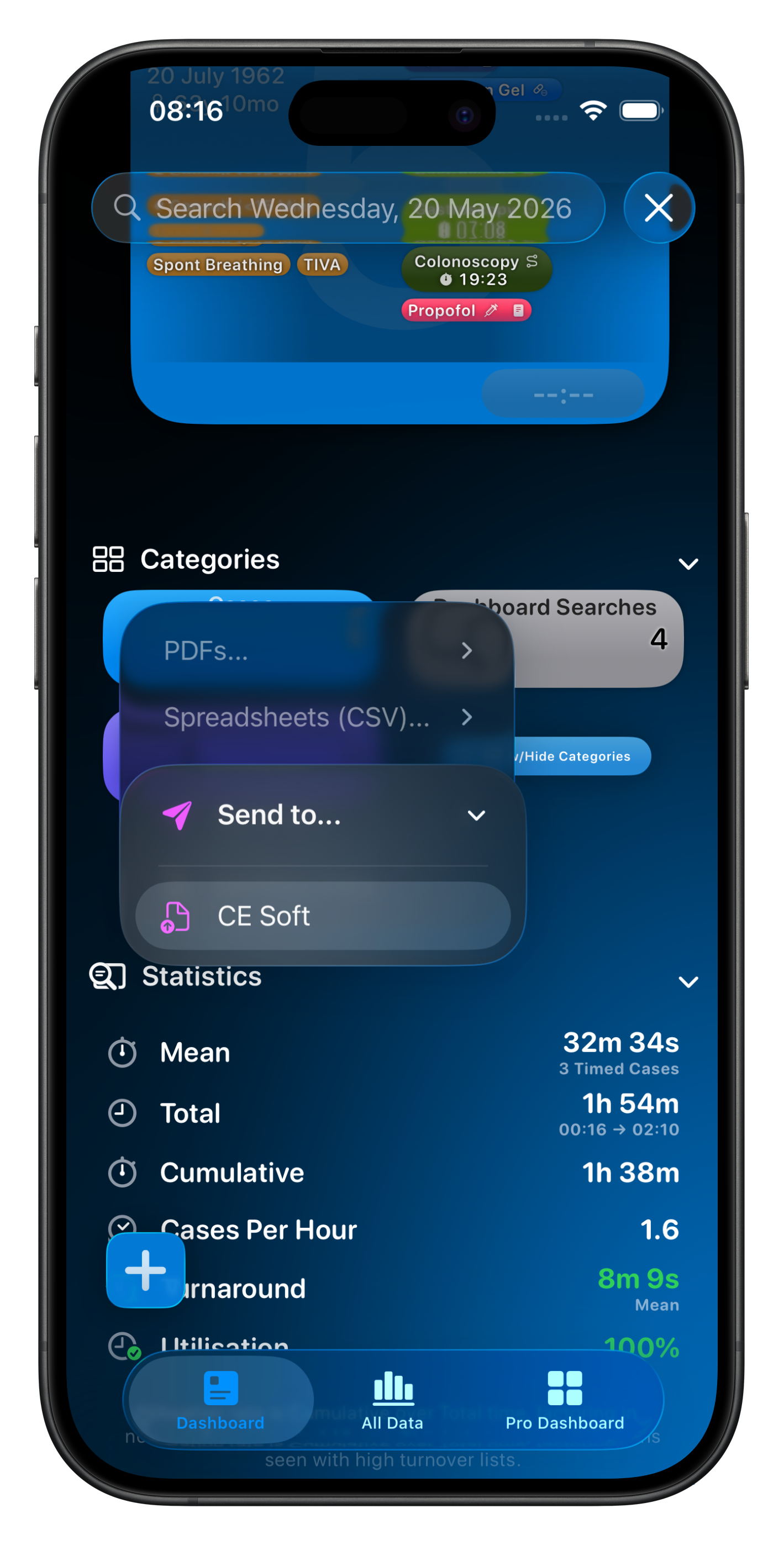
From the Cases export menu, select Send to… CESoft to upload the day's billing details straight to CESoft's secure endpoint - no re-typing, no emails.
Somnus builds a specially formatted PDF and uploads it directly to CESoft over an authenticated connection, identified by your provider number and CESoft Minor ID (see below).
Patient contact details will either be taken from Patient Notes, or will be automatically extracted from the ID labels using Apple Intelligence, and included in the submission. In iOS 27 it is possible to opt-in to use Apple’s Private Cloud Compute for much faster & smarter analysis.
Once submitted, you’ll see the data when you log into your CESoft account as well as the PDF generated by Somnus should you wish to review the original upload. More information on how this works at CESoft’s End:
Note: Somnus has no financial connection with CESoft and receives no funding or commission from them - and vice versa. This is purely a mutually beneficial collaboration to make life easier for users of both apps.

Requirements
CESoft Minor ID (Mandatory)
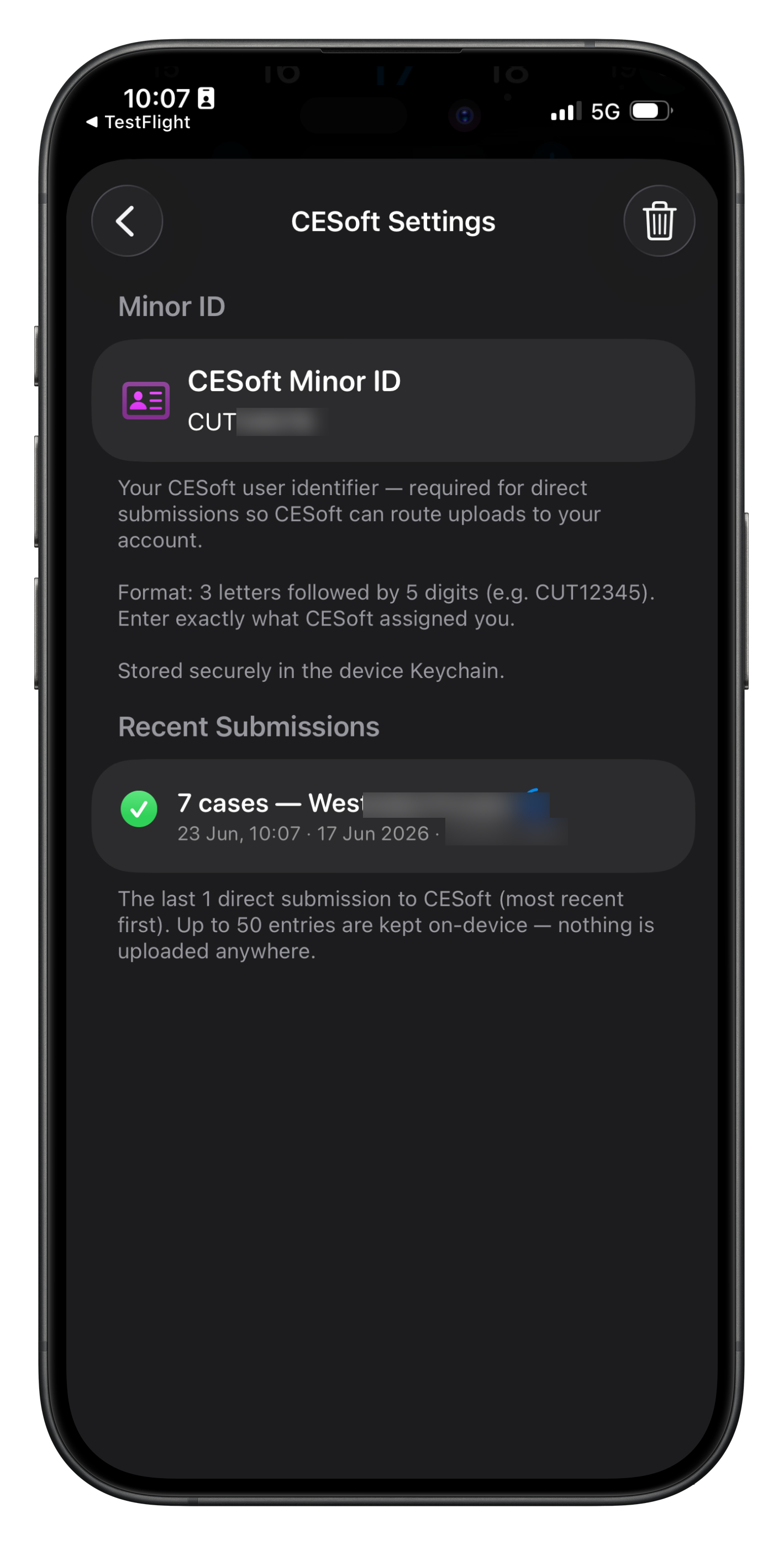
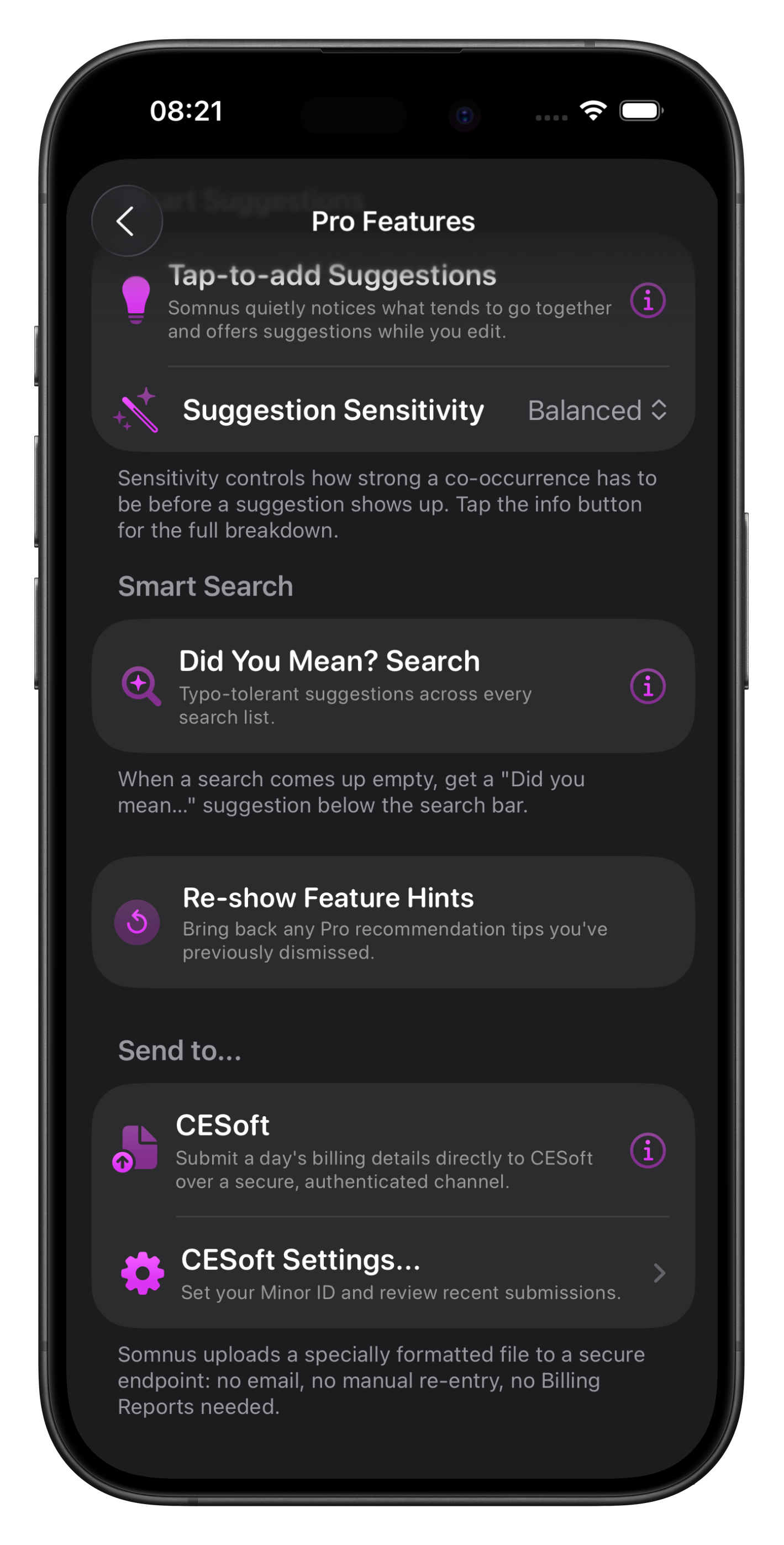
Once you have obtained a CESoft Minor ID, enter it into the CESoft Settings in Somnus, under Pro Settings.
A list of recent submissions and their status is also shown here.
Provider Numbers (Mandatory)
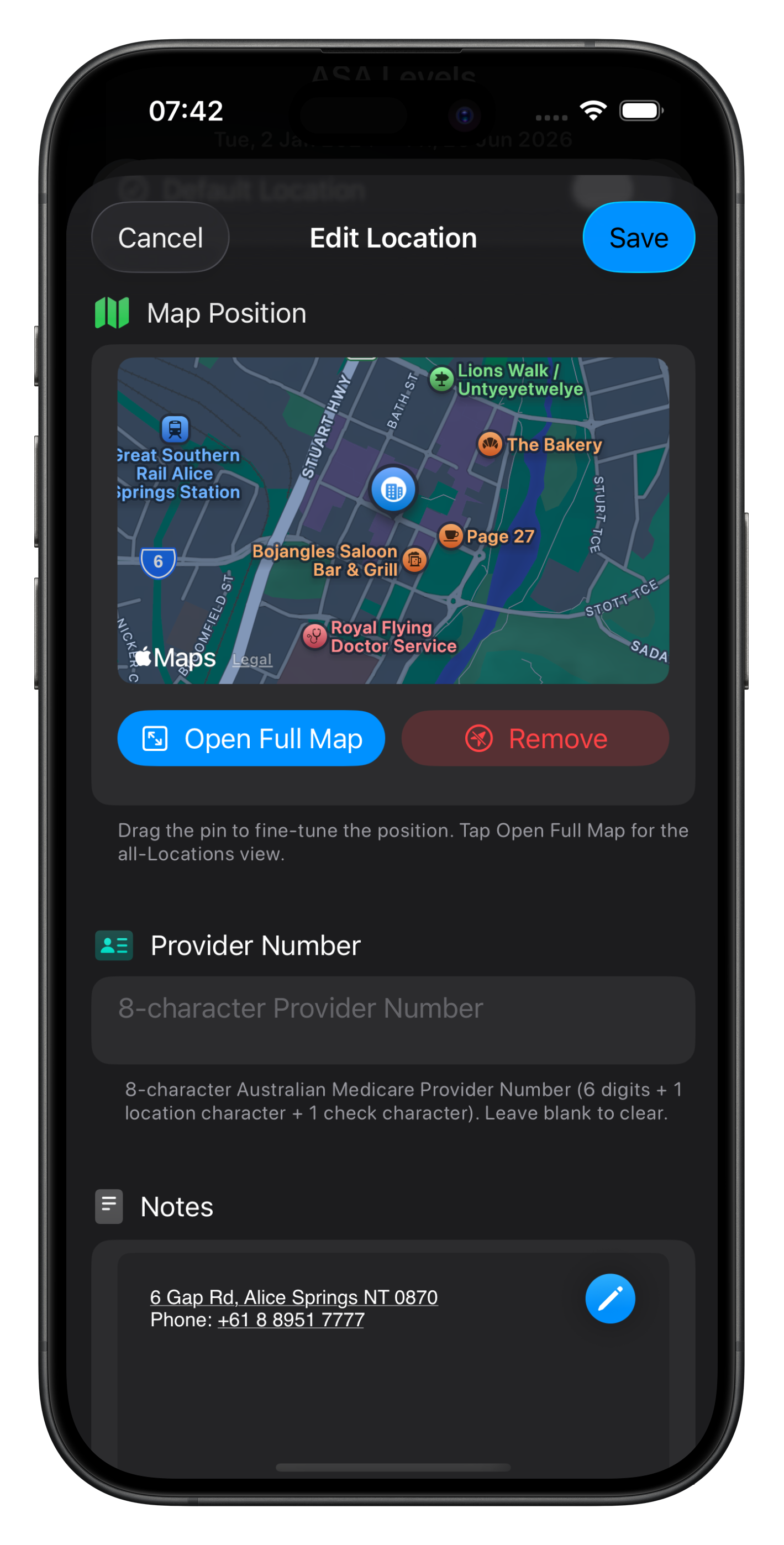
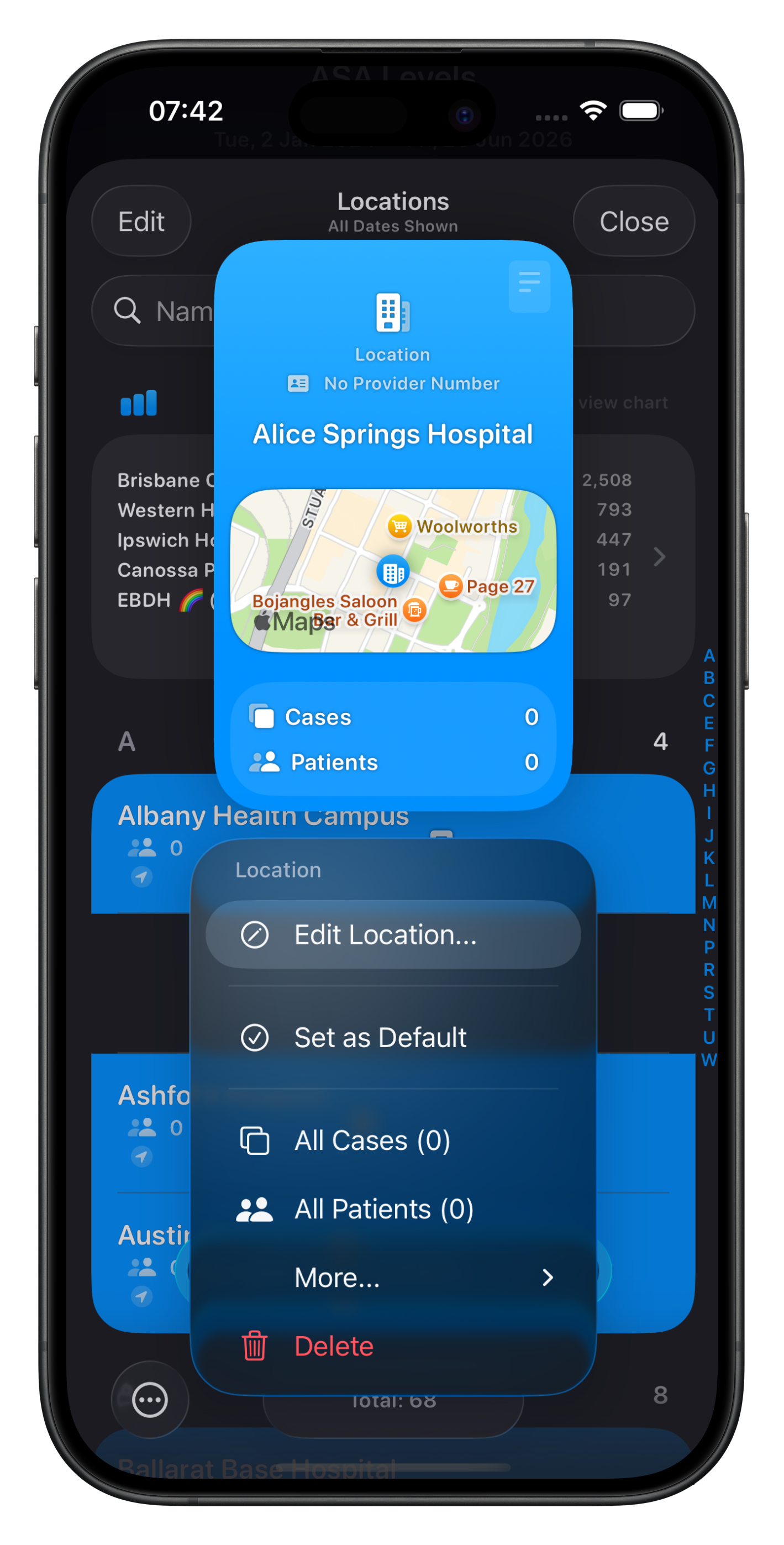
Ensure your Location has a valid Provider Number.
Add via the context menu for each location in Somnus, and select ‘Edit Location…’
If missing, you will have an opportunity to enter it without disrupting the export.
Item Numbers (Mandatory)
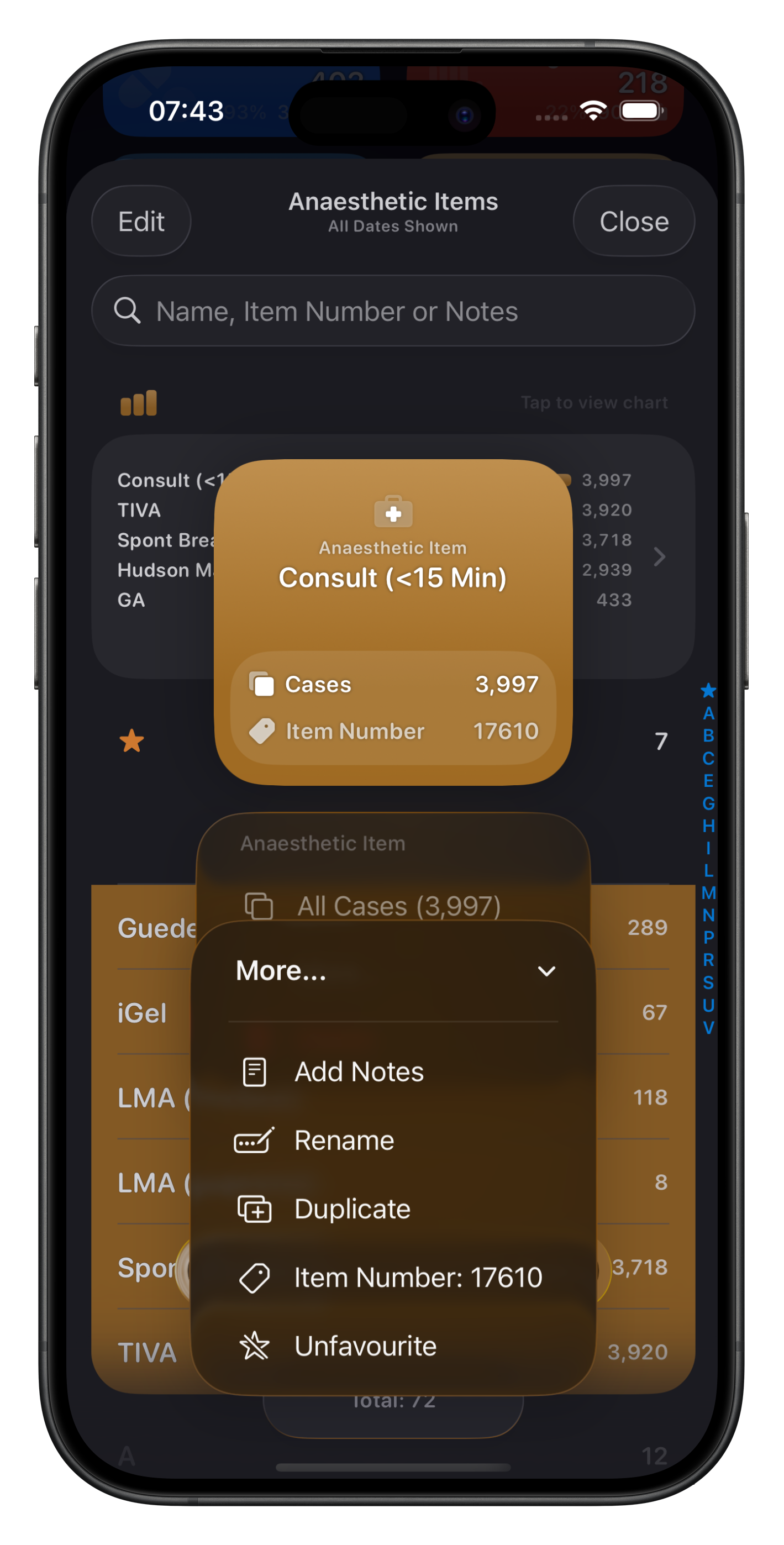
Ensure all Operations for which you’re billing have linked item numbers.
Procedures & Anaesthetic Items don’t always have item numbers linked, but some do (Arterial Lines, Consults, etc)) so a soft warning will alert you to these.
Item bubbles show which have linked Item Numbers (a tag icon), and the context menu will allow you to view & modify the Item Number. See here for more detail.
Personal Lists (Optional)
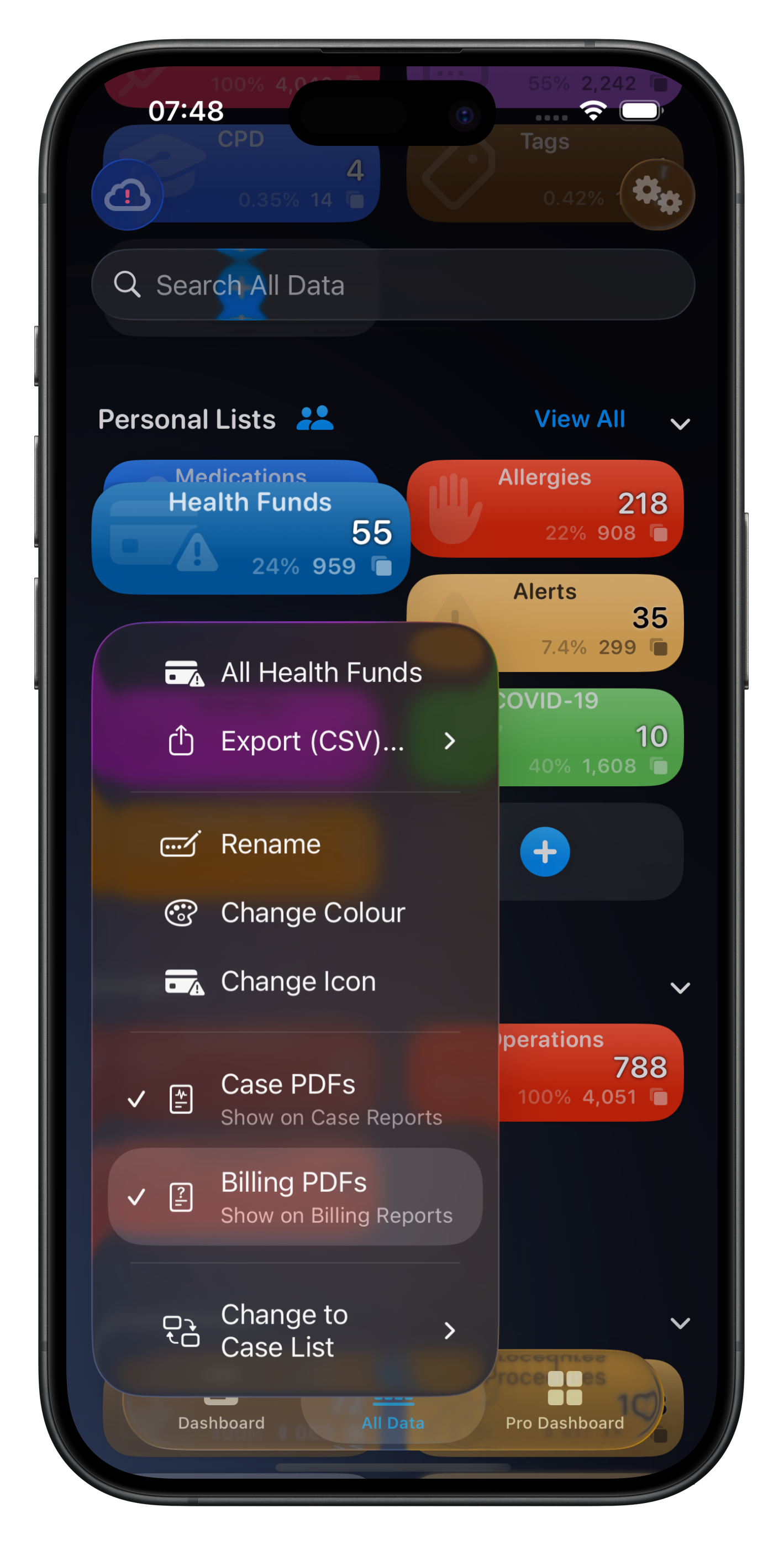
Ensure ‘Show on Billing Reports’ is ON for any Personal List you’d like to include in Billing Reports, using the list’s context menu.
While this is not mandatory, it saves data entry after submission to CESoft should you wish to include a Health Fund name as an example.
Other Requirements
Export to… CESoft will only appear when exporting by Day View - either on Dashboard, Case List or All Data screens.
Each submission is for a single surgeon & location. This is a requirement on the CESoft side as a submission is ‘one list per surgeon, per location’.
You can use the search field to filter cases by surgeon or location, then export them
All Cases in the submission must have a start & end time