Siri & Shortcuts
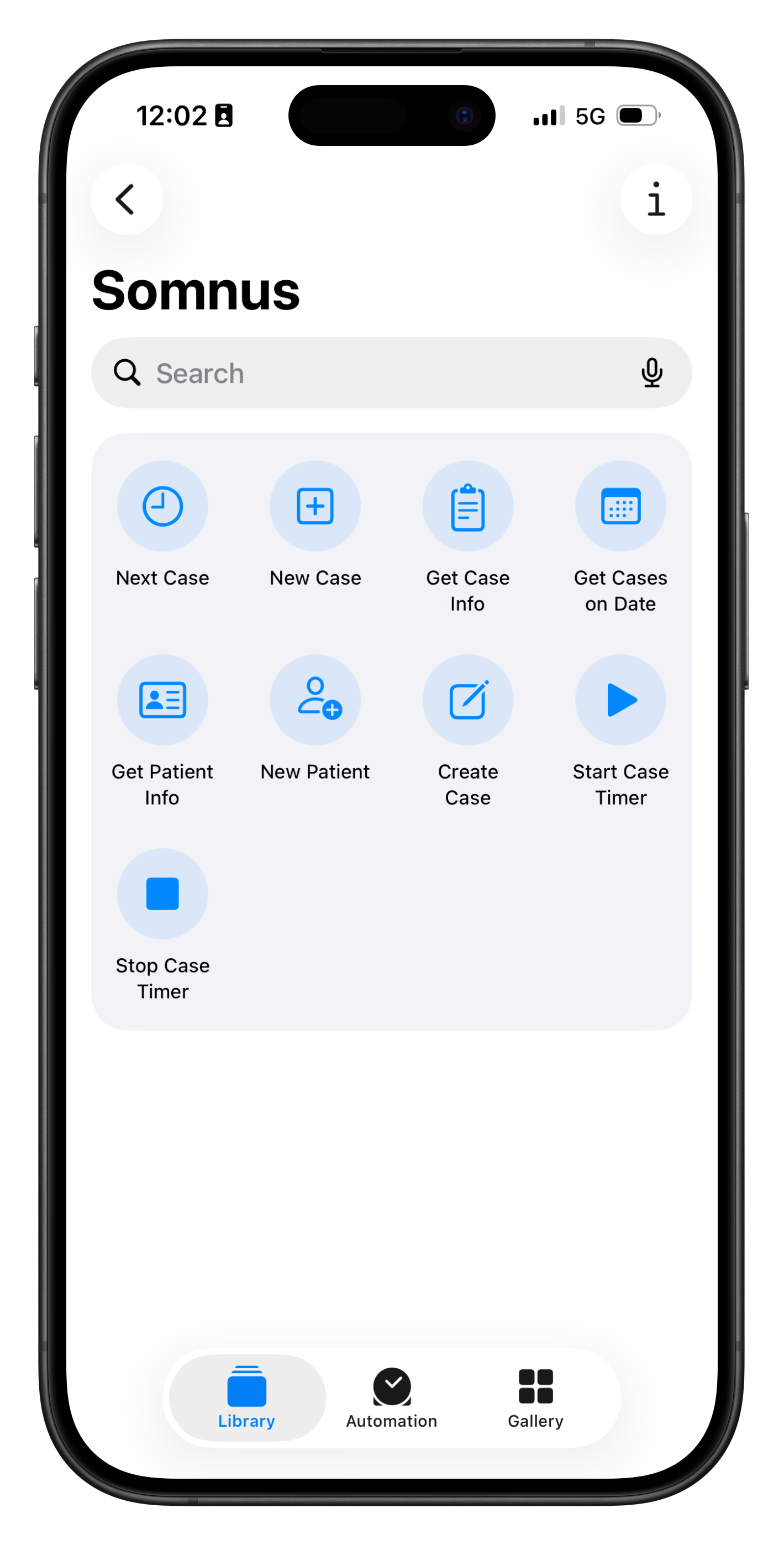
Ask Siri to open your next case, start or stop a case timer, look up patient details, or create a new case from a template — all hands-free.
Build custom Shortcuts to fit your workflow, like a one-tap action that creates a case from your favourite template and starts the timer automatically. With over a dozen Siri actions available, you can manage your caseload without ever unlocking your phone.
See below for an example of this and a sample shortcut to download.
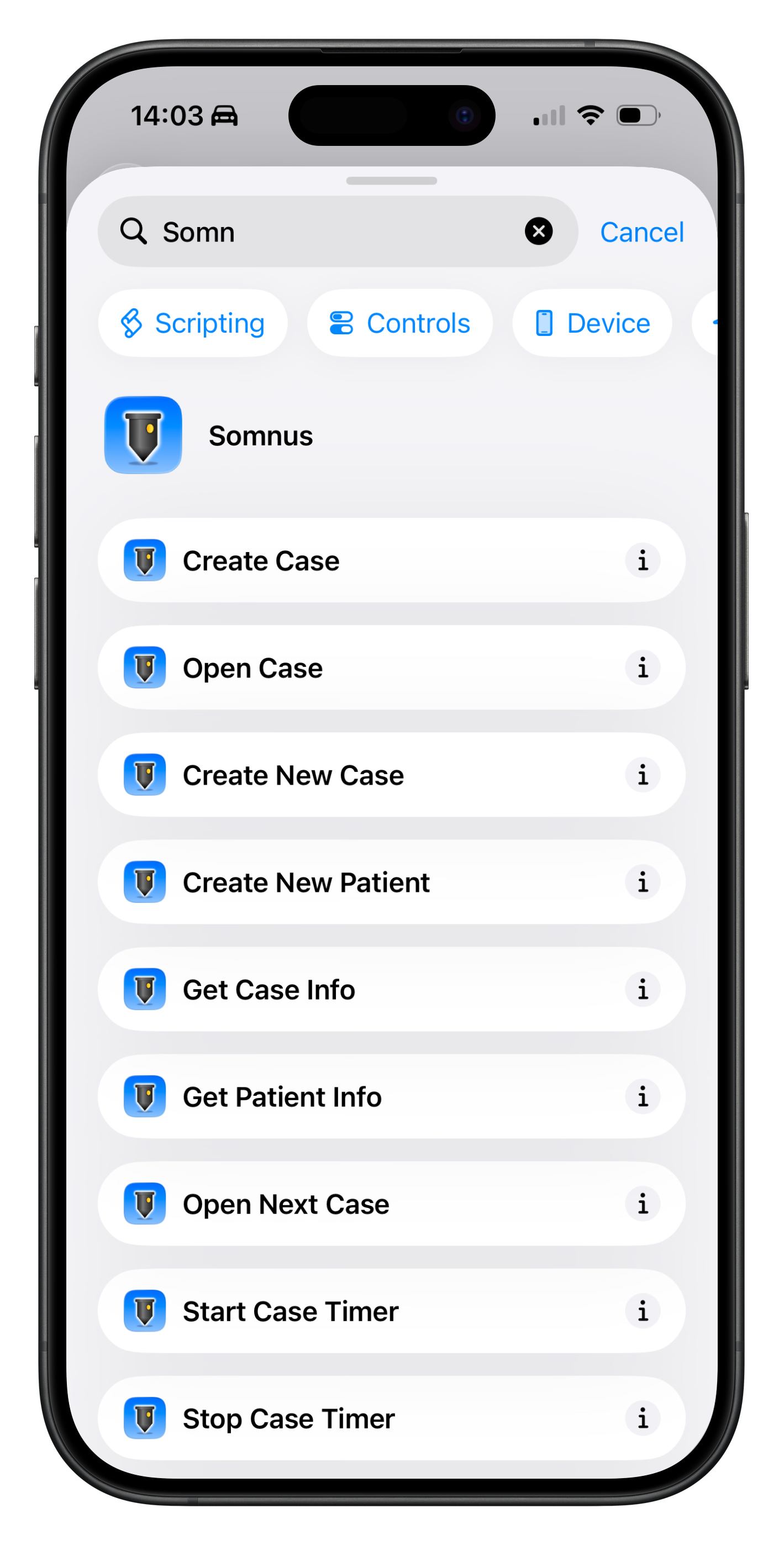
Siri Shortcuts Example
This sample Shortcut File is an example of what you can do with Shortcut Workflows and your Somnus Data. Download the sample file and play around with it.
This Shortcut does the following
Asks the user to Select a Date
Finds All Cases on that date
If there are No Cases it shows a Notification
It then checks to see if Any Case contains the text “Dr Smith” in the Surgeons field
If not, it shows a Notification
If there are Cases for the Surgeon “Dr Smith” it iterates over each Patient for those Cases.
It then searches the Patient Notes field for a valid mobile number and sends a customised message to each Patient using their Given Name, the Operation and Date of Surgery.
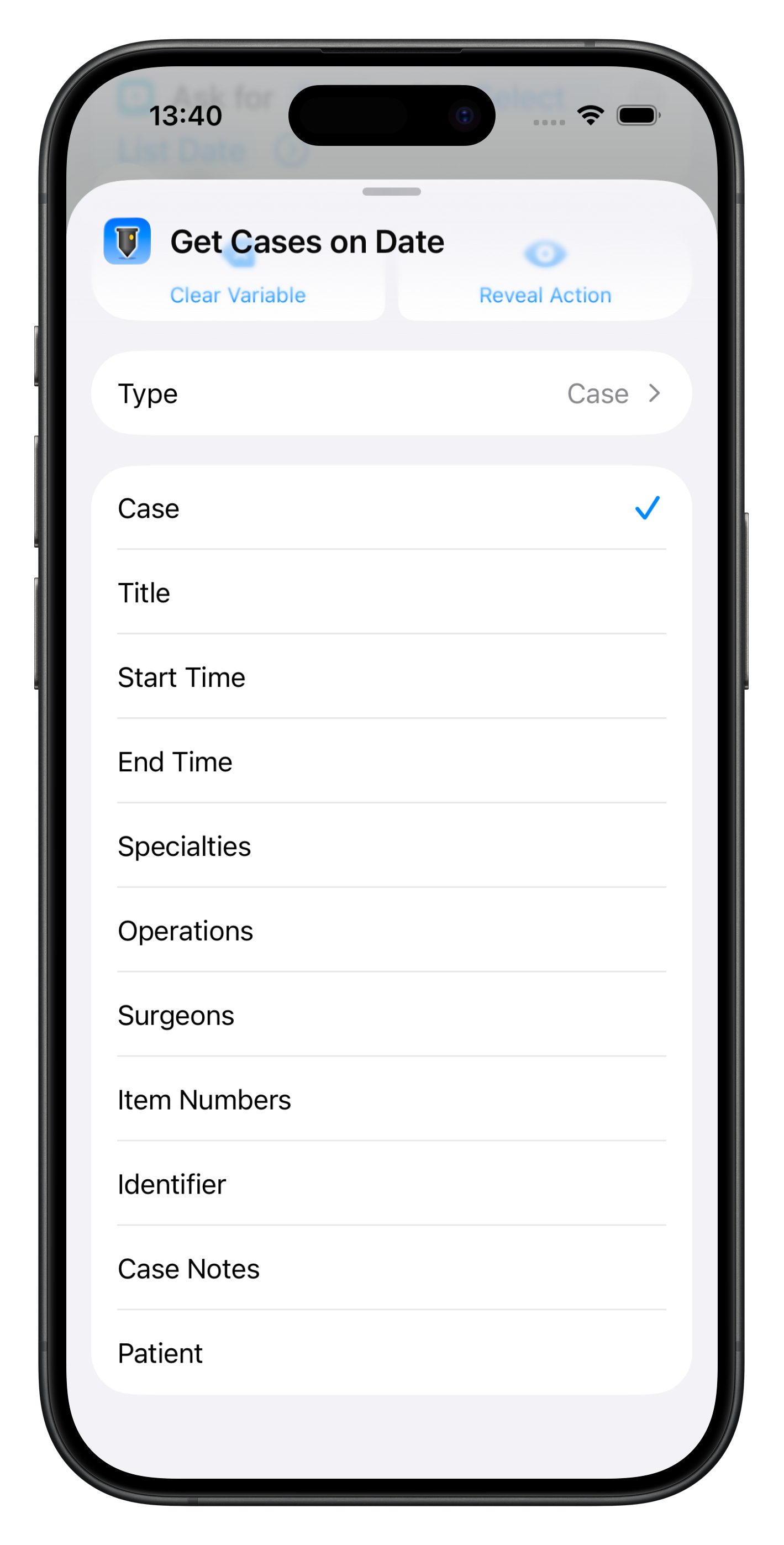
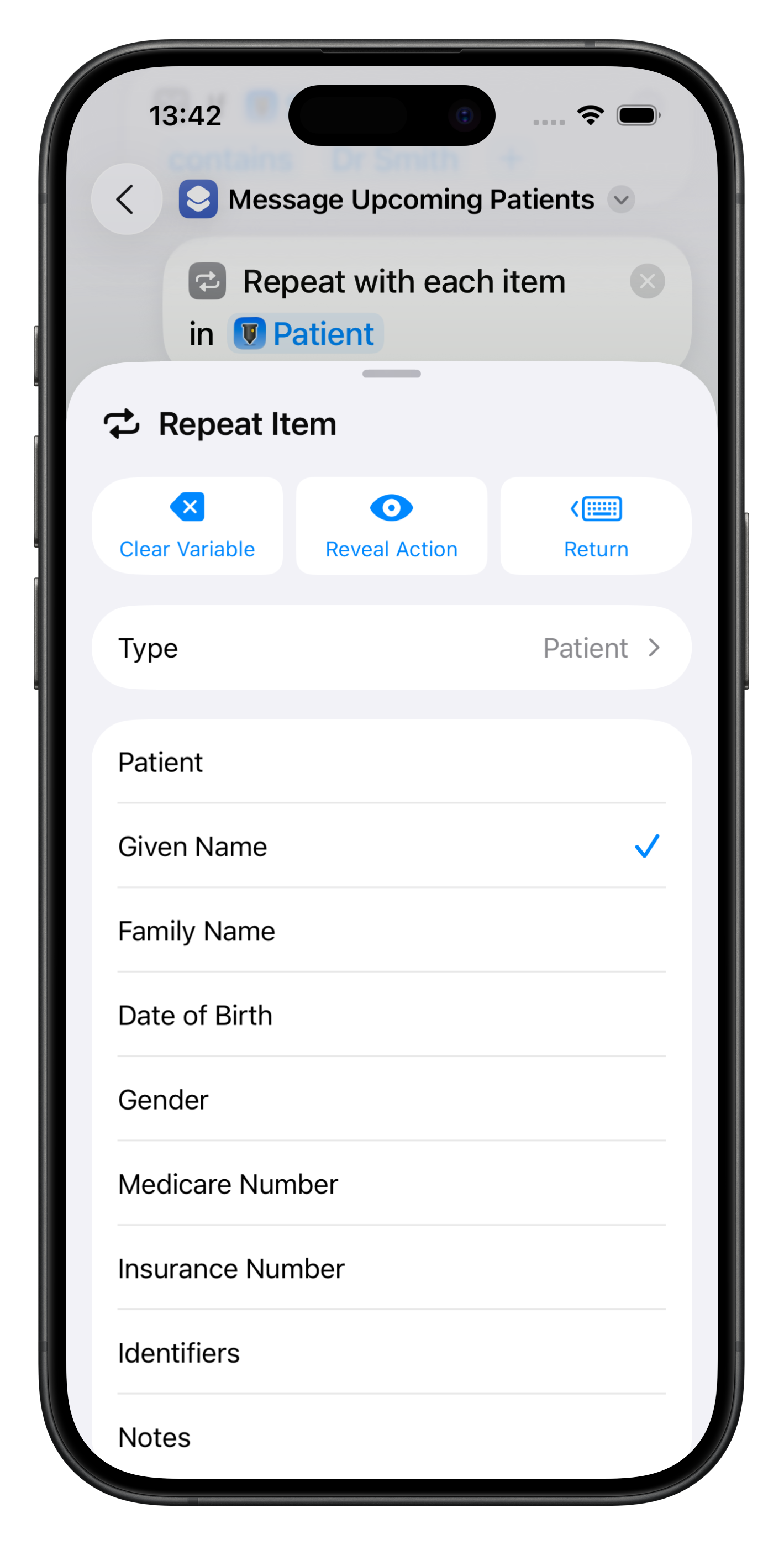
Examples of the fields that are able to be accessed for Cases or Patients can be seen below

Click to Download

Spotlight
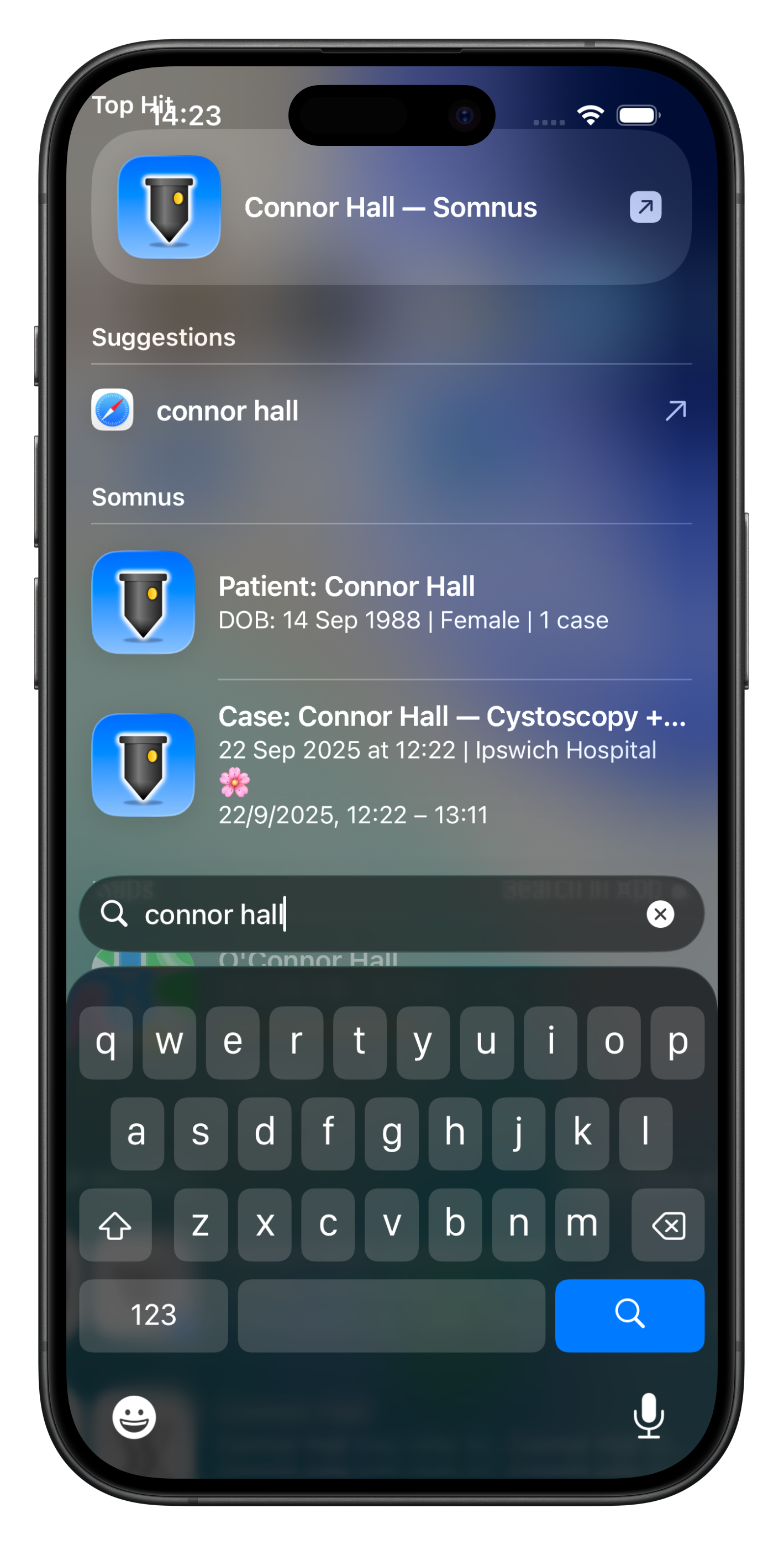
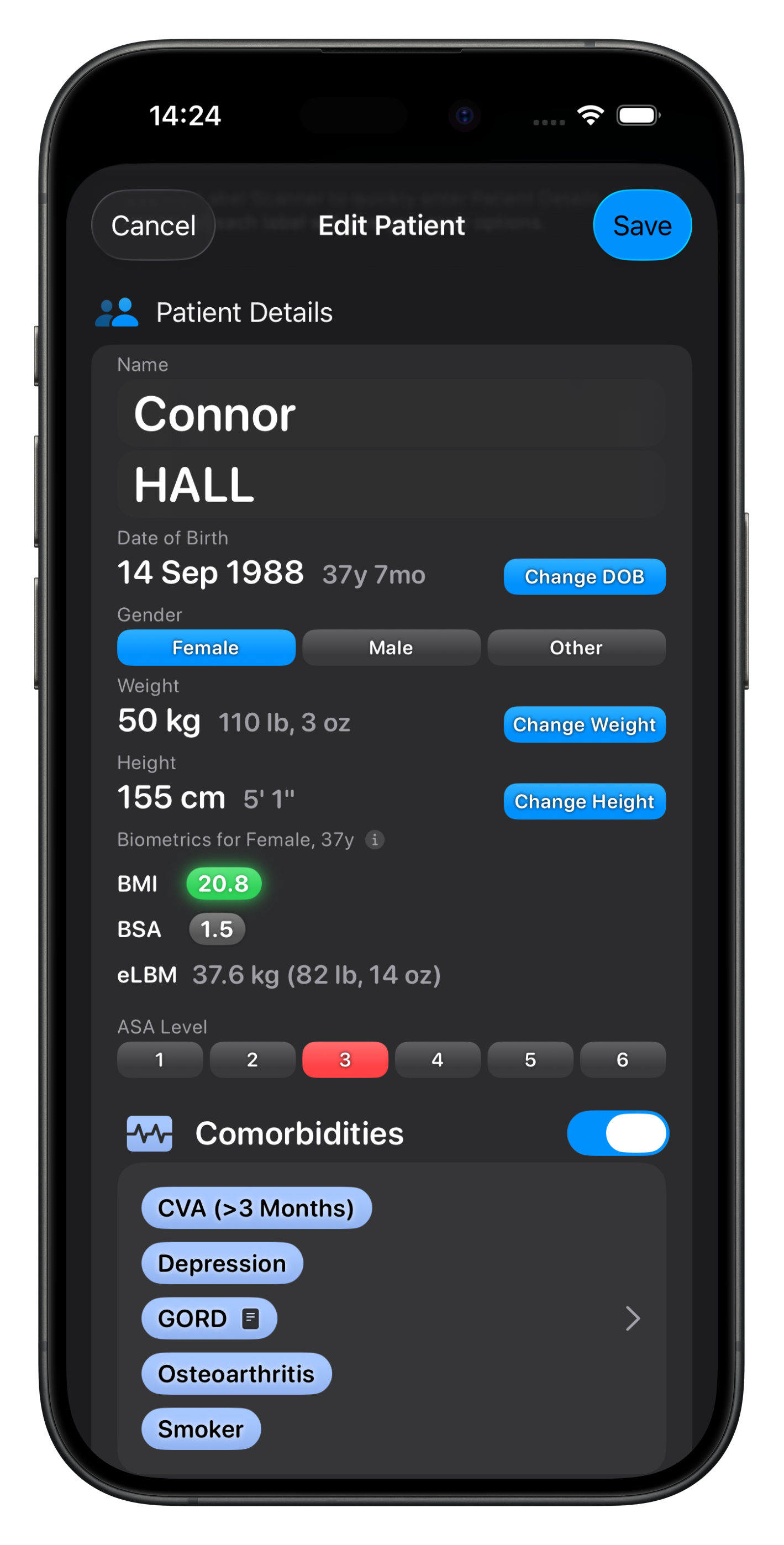
Every Case and Patient you add to Somnus is automatically indexed in Spotlight.
Search from your home screen by patient name, operation, specialty, location, or identifier and jump straight to the Case or Patient you need.
Results stay up to date as you work, so Spotlight always reflects your latest data.
Spotlight indexing is all private and on-device.